
Fabric Desktop by KratosBI: Bringing the Power BI Model to Data Engineering
One of the biggest reasons Power BI succeeded was simple: developers could build locally, take advantage of their own computing resources, and deploy to the cloud. This gave developers the freedom to build, test, and iterate without consuming cloud resources during development.
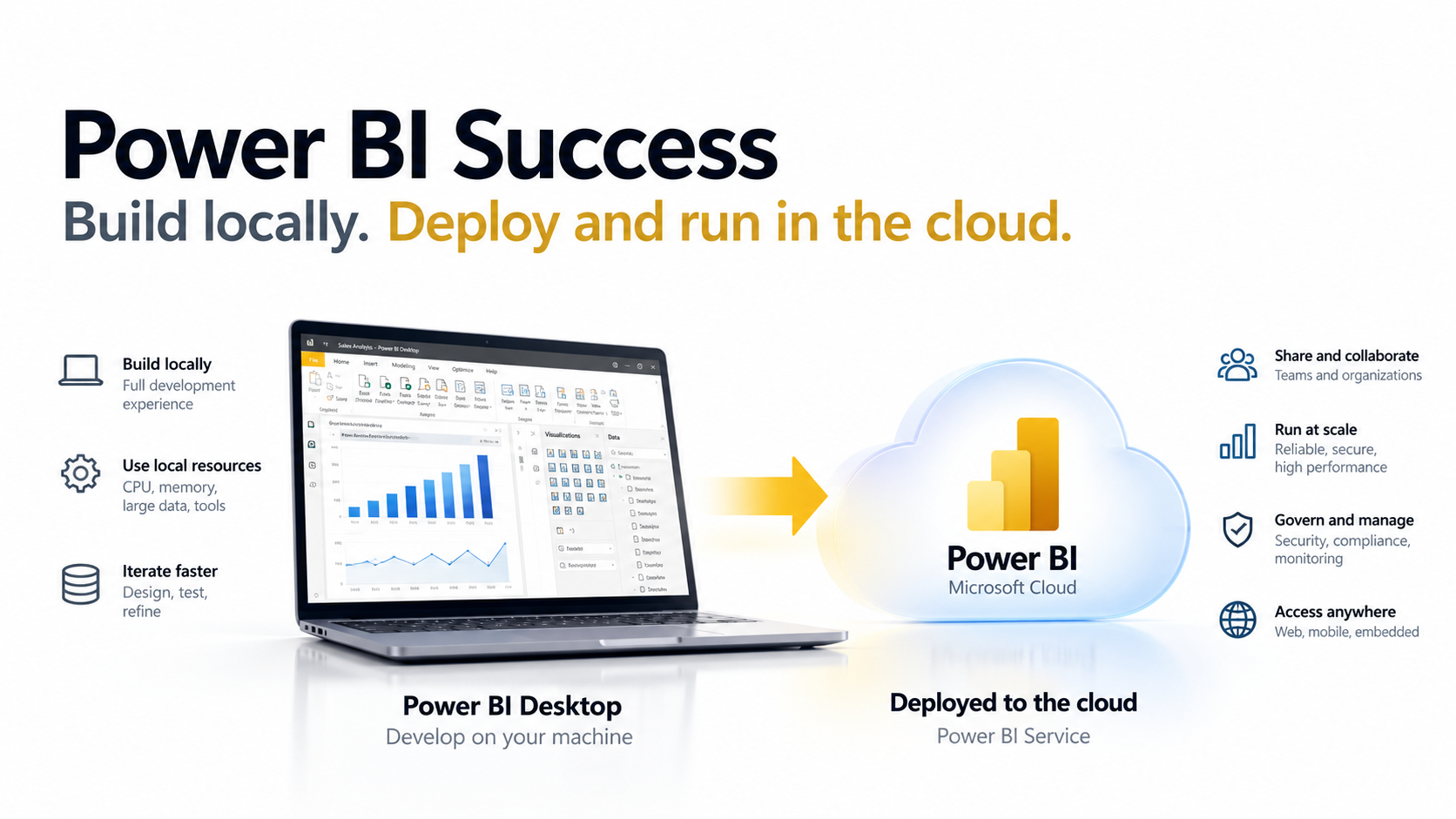
Fabric Desktop by KratosBI brings that same philosophy to Microsoft Fabric.
Thanks to OneLake and open Delta Lake formats, developers can now go a step further. They can build and execute data engineering workloads using local compute resources while reading and writing data directly to OneLake. That data is immediately available to Microsoft Fabric workloads, including Warehouses, Lakehouses, Power BI, and AI.
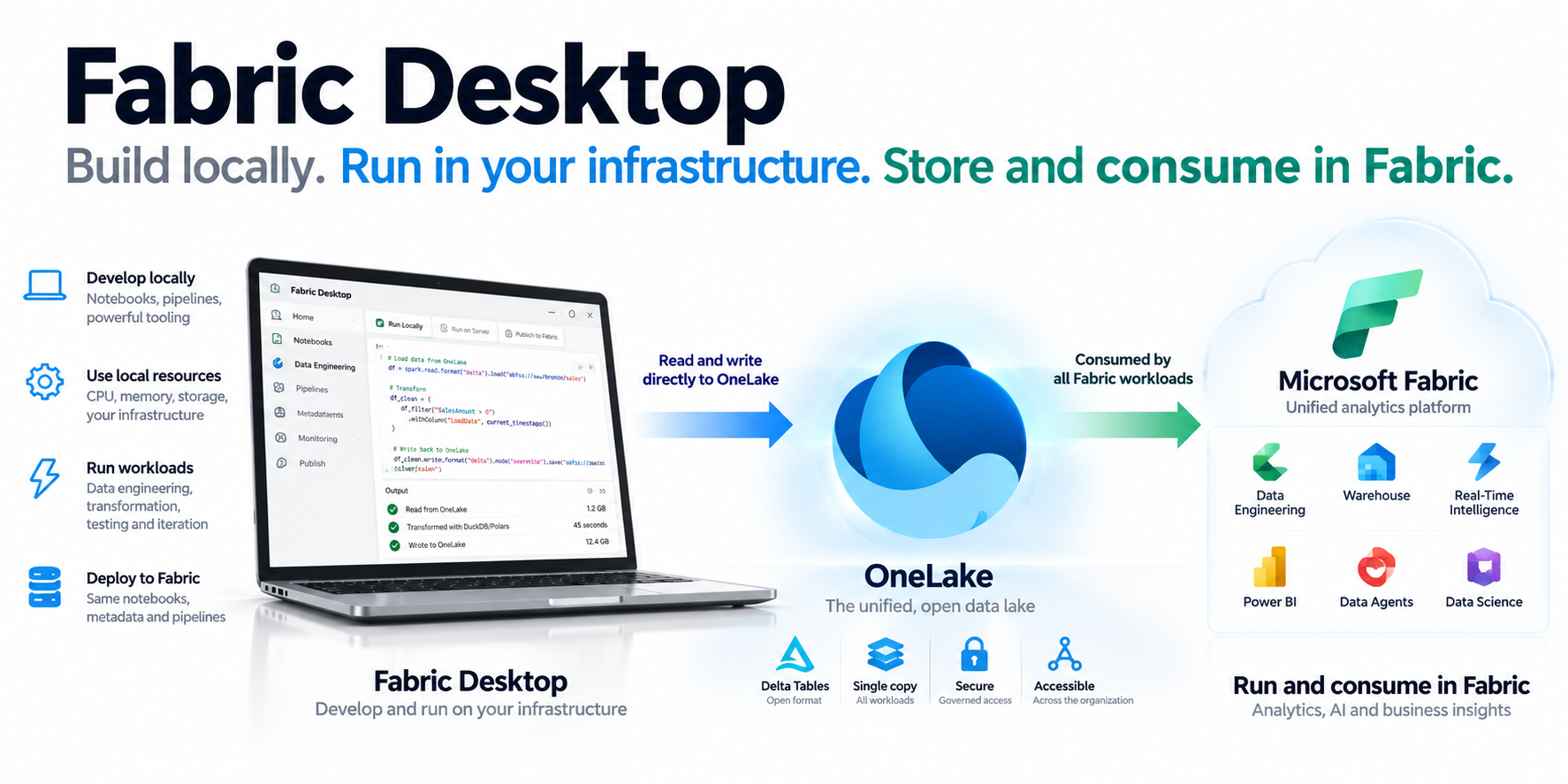
The result is a new approach to Fabric development:
Build locally. Execute anywhere. Store once in OneLake. Consume everywhere in Fabric.
Fabric Desktop by KratosBI isn't replacing Microsoft Fabric. It's extending it, giving developers and organizations greater flexibility, control over compute costs, and the freedom to use their own infrastructure while taking full advantage of the Fabric ecosystem.
Read next#
- README: what Fabric Desktop by KratosBI does today and how to set it up.
- Architecture: how the app, the local engine and OneLake fit together.
- Headless agent: running the same workloads unattended on your own servers.
- Enterprise roadmap: where local execution goes next.
Need a hand?
Find a fix in troubleshooting, or share a reproducible issue with the community.
Get support ↗Improve this guide on GitHub ↗